Auto Shutdown Genius 4: A Lighter Design, CPU-Triggered Shutdown and a Background Service
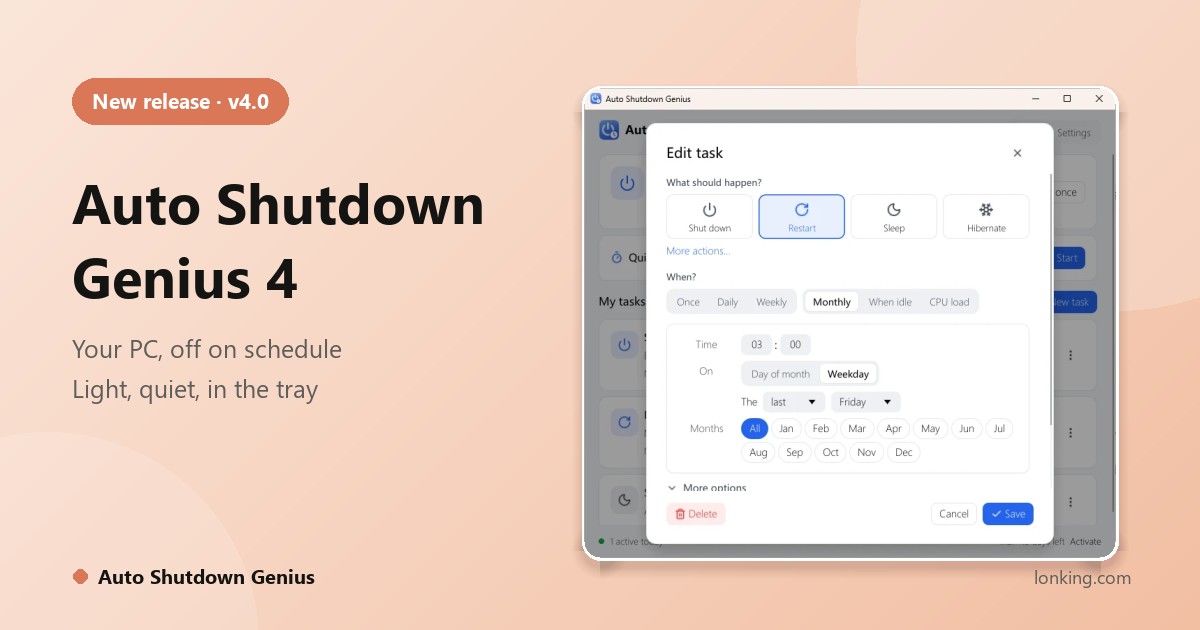
Every day, millions of Windows PCs run for hours after the last person has stopped using them. Nobody decides to waste that electricity: people forget, or the right moment to shut down comes when they are not there. Auto Shutdown Genius 4 is a redesigned version of our scheduling tool built around one principle: common things should be effortless, and powerful things should be available.
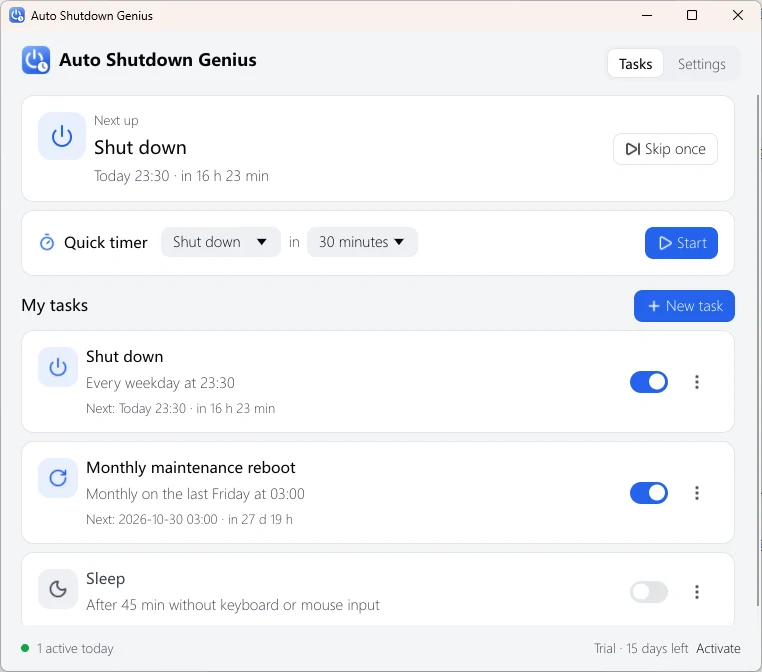
A new interface that keeps it simple
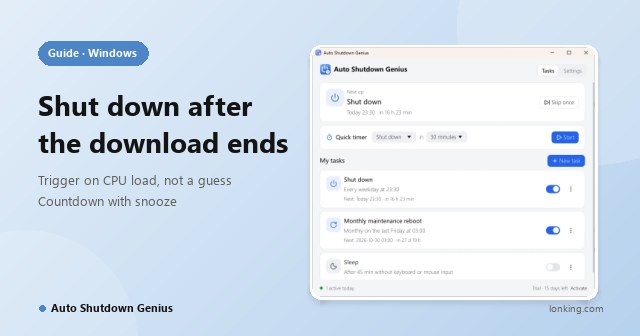
The main window shows the next task, a quick timer and your task list. The four most common actions and the three most common schedules come first; everything else is one click away under More actions and More. The program lives in the notification area using only a few megabytes of memory, starts with Windows, and offers light and dark themes that follow Windows, in English and Simplified Chinese.
Eight actions, six ways to say when
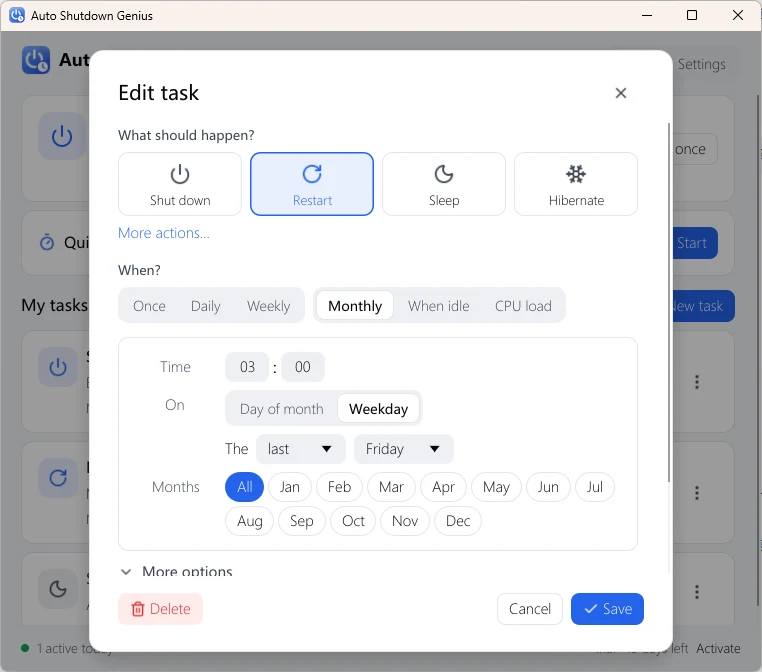
- Actions: shut down, restart, sleep, hibernate, sign out, lock, turn off the display, start the screen saver.
- Schedules: once, daily, weekly, monthly (by date, or by weekday such as the last Friday), when idle, and CPU load.
The CPU load trigger lets you say “shut down when CPU stays below 10% for 5 minutes”, so a PC leaves when a long download or render is really finished.
You stay in control
- A countdown window before each action, with Snooze (5 to 60 minutes), Cancel and run-now buttons, and an optional reminder sound.
- Skip once for a single run, and Pause all from the tray icon.
- A history of the newest 10,000 events: what ran, was cancelled or snoozed, and any errors.
- A quick timer for one-off jobs, such as “shut down in 30 minutes”.
Built for real PCs
Optionally empty the Recycle Bin and clear temp files, recent documents and Internet cache, history and cookies before a shutdown, restart or sign-out. Turn on Force apps to close so a stubborn program cannot block a schedule, and install the background service so tasks run before anyone signs in or after everyone has signed out, which suits shared PCs and office workstations.
Private by design
Your schedules never leave your computer: there is no cloud service and no account. The tasks live in a plain JSON file in your user profile, easy to back up, and the program goes online only to activate a license.